
A reaction in context
Set reputation, standing and situation. Read a scored disposition and conversational posture, then decide how these prompts fit the person in your scene.
A motive. A pressure. A response.
An innkeeper weighs an offered key. A guard hesitates. A merchant has something to hide. Prepare an NPC reaction, understand its pressures and decide how to portray it at your table.

Someone with a reason to respond
Give a supporting character a starting reaction and reasons you can work with.
Set reputation, standing and situation. Read a scored disposition and conversational posture, then decide how these prompts fit the person in your scene.
Inspect motivation, a possible hidden public face and prepared secrets. Choose what the NPC reveals and what your players can discover.
Review current stress, sampled triggers and thresholds. Use them to frame a conversation; the tool does not adjudicate player success.
Save a local snapshot, reopen it later and use workspace export to transfer saved records. No automatic campaign memory is accumulated.

Review the changing situation
The illustration pairs an innkeeper with portraits, figurines and an inn model. Choose context for an NPC, then generate a reaction you can review.
Read the motive, stress and guidance together. Save the result before trying another profile.
From context to table-ready portrayal
One workflow for a complete NPC reaction profile.
Select a role and faction affiliation, reputation, standing, situation and stress. Add optional name and contact, witness or after-dark context.
Read disposition, posture and traits, motivation, stress thresholds, sampled memory flags and DM guidance. These come from fixed tables.
Check opening lines, de-escalation hooks, warnings and secrets. Independently sampled history descriptions may need adjustment in your portrayal.
Explicitly Save a local record. Copy or export the result after checking private details; workspace export transfers saved records separately.
The current reaction toolkit
Prepared social context, reviewed and portrayed by you.
Choose a role, faction affiliation, reputation, standing and current situation. Generate a disposition, conversational posture, motivation and guidance for your scene.
Review the reference tables and score modifiers. Previous contact and witnessed conduct can help or hurt; their descriptions are sampled separately rather than drawn from campaign history.
Read a primary motivation, subtype and possible hidden public face. Use the prepared de-escalation hook and secrets as prompts for your own portrayal.
Choose current stress and inspect sampled triggers, escalation and breaking thresholds. Triggers can repeat; stress does not change the disposition score.
Reroll creates a fresh seeded profile with the current choices. There are no scoped locks or direct result-editing controls; save a profile before replacing it.
Explicitly Save a separate snapshot on this Windows installation. Reopen a result or Delete its local record; opening does not restore the current controls or seed.
Copy includes hidden motives and secrets. Result JSON includes the full NPC and current request; Print uses the active view. Review private material before sharing.
Export saved records or import a workspace array as fresh local records. Check export counts, duplicates and imported content; the format does not validate a complete NPC structure.
Choose the situation
Review the actual score, tables and limits.
Choose merchant, guard, noble, craftsman, criminal, clergy, commoner, official, scholar or servant, or a random role. Faction is a descriptive affiliation, not live campaign intelligence.
Reputation ranges from -10 to 10; faction standing from -5 to 5. Both affect disposition. Numeric standing applies even when the affiliation is none.
Routine, busy, crisis, celebration and suspicious situations supply different score adjustments. After dark adds a separate negative adjustment.
Both toggles can help or hurt through random modifiers. Memory descriptions are sampled separately; review them against your own established events.

A response you can bring to the table
The innkeeper offers a key and a welcome. The illustration suggests a considered response; actual output is a structured NPC profile.
Review disposition, motive, stress and guidance. You decide what the NPC does next.
Another profile, deliberately
Generation does not update a living NPC automatically.
Reroll changes the seed and generates a complete result from current choices. It does not preserve selected parts or offer scoped locks.
Each Save creates a fresh local snapshot. Multiple saves are separate records rather than versions of one tracked NPC.
Open restores the NPC result. It does not restore current controls or seed; check the form before generating or exporting the request again.
Result JSON includes current form choices beside the displayed NPC. Those can differ after edits to controls or opening an older save.
Preparation that leaves you in charge
Fixed prompts support portrayal without simulating a campaign.
Contact and witness descriptions do not read your campaign log. Their sampled wording can disagree with the independently chosen score modifier.
Current stress, triggers and thresholds help you portray pressure. Triggers can repeat; no automatic escalation timeline or social resolution is run.
Copy and JSON contain hidden motives and secrets. There is no separate player-safe view or automatic redaction. Check before sharing.
Related products open their own websites. There is no automatic Combat PRO handoff, character synchronisation or shared campaign-state update here.
Choose access for your toolkit
Begin with a free VISINVOKE account, then review the required selection and subscription.
Select NPC Behaviour individually. Creating a free account does not by itself include paid generator access.
Choose five eligible standalone generators. Review tools and terms in your account; a selection pack does not include every VISINVOKE product.
Choose more capacity when it suits your toolkit. Review actual tools and reselection terms before changing your subscription.
Linked products retain their own access requirements. An NPC profile does not automatically become a Combat PRO encounter.

Use explicit Save to keep a local NPC snapshot in application data. There is no autosave or account cloud library.
Workspace export includes saved records, not an unsaved current profile. Unreadable records may be omitted; compare the exported count.
Import a workspace array as new local records. Repeating an import creates duplicates, and the format does not validate complete NPC structure.
Copy and result JSON contain private material. Print uses the active view and print styling; inspect what will actually be shared.
Workspace import writes records sequentially. A later failure can leave earlier records saved; inspect the Saved list and transferred profiles.
Build your tabletop toolkit
Each card opens its own public website. Review purpose and access separately; links do not promise included access or automatic synchronisation.

Discover and open your supported Windows products through one connected VISINVOKE account.

Explore environment packs for tactical locations and the places your encounters unfold.
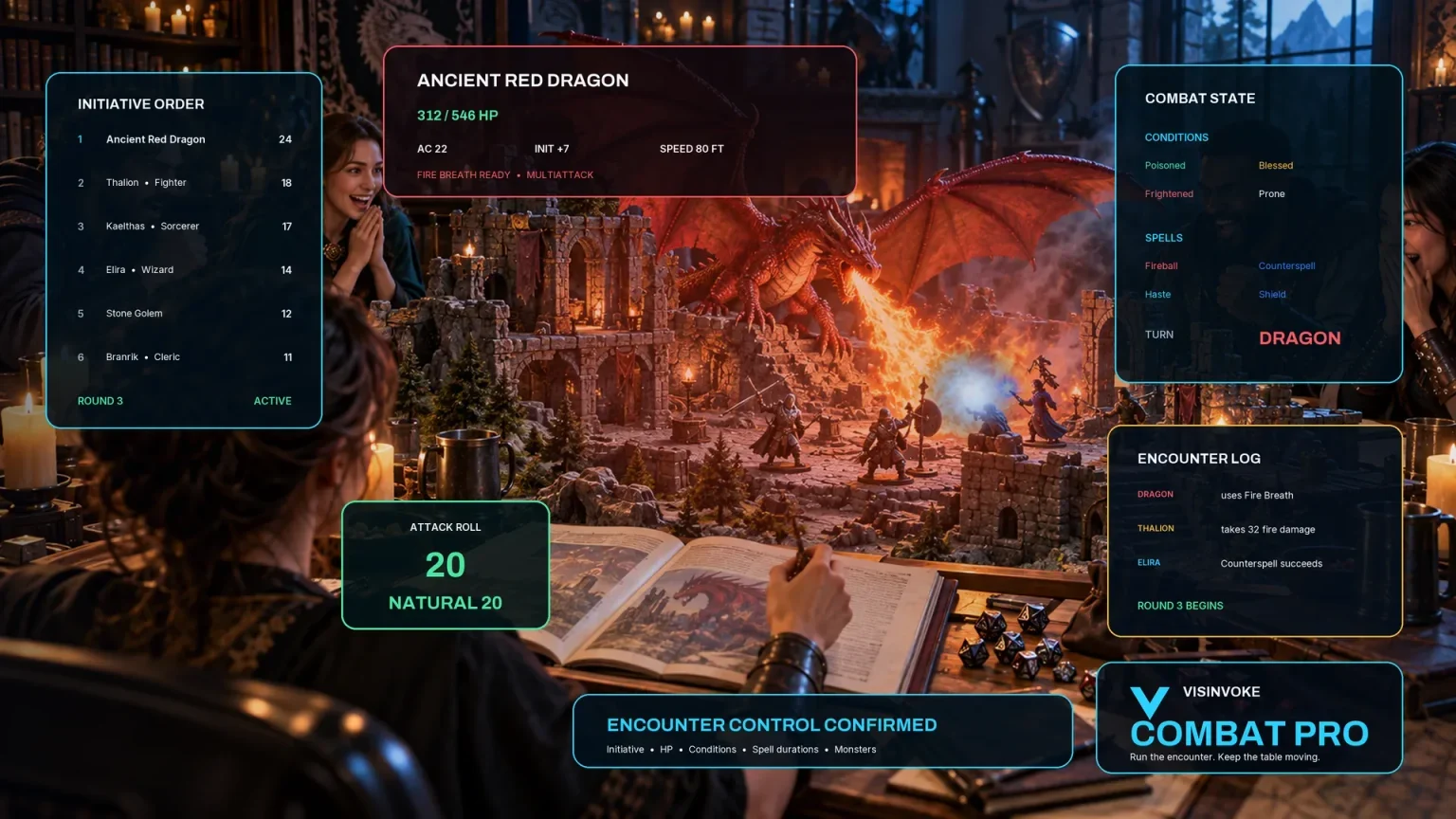
Prepare opposition and run tabletop encounters through a separate product with its own access.

Create focused character, monster, item and location images to complement your tabletop preparation.

Create guided commercial visuals for websites, brochures and wider creative projects.

Explore a separate futuristic RPG experience with its own world, characters and progression.
Product artwork illustrates NPC preparation, not application screens or actual generated image output.
Quick answers
Understand the current workflow before opening the tool.
The score starts with three twenty-sided rolls plus 30, then adds twice reputation and three times faction standing. Previous contact randomly adds 15 or subtracts 20; witnessed conduct randomly adds 10 or subtracts 15. After dark subtracts 5; busy subtracts 10, crisis 15 and suspicious 8, while celebration adds 8. The result is clamped to 0–100 and grouped as hostile, unfriendly, neutral, friendly or helpful. History descriptions are sampled independently and can disagree with the modifier direction. These are preparation prompts, not verified campaign memory or a ruling on social success.
Role and faction identify the NPC and supply guidance rather than look up campaign relationships. Numeric standing still changes the score when no faction is selected. Motivation and posture come from fixed tables. Calm, normal, tense, stressed and breaking choose current stress of 10, 30, 50, 70 and 85 out of 100. Three triggers are sampled and may repeat; escalation lies between 61 and 80 and the breaking threshold between 86 and 95. Stress does not alter disposition or the threshold distribution.
Generate uses the current choices; Reroll changes the seed and replaces the whole profile. There are no scoped locks, result editor or seed-entry control. Exact native generation depends on the complete request and seed, including whether a custom name or random role consumes a draw. Save the result before replacing it. Open restores the saved NPC only, not current controls or seed. A result JSON export pairs the current request with the displayed result; after changing controls or opening a save, check whether they still describe the same generation.
Each explicit Save creates a fresh local record in this Windows installation’s application data. The Saved list lets you reopen or delete records; it is not an account cloud library or automatically evolving NPC history. There is no autosave, record-renaming control, search or prior-version browser. Keep a workspace export when transferring saved records, compare its count with the list and retain your own copies. Unreadable records are skipped by the list or export.
Copy includes hidden motivation and secret lines; it omits some details from the full record, including memory flags, warnings and tips. Result JSON includes the full NPC and current request. Neither supplies a separate player-safe view or automatic redaction. Print uses the active tab with print styling rather than a curated audience export. Inspect the actual copied text, JSON or print preview and remove private information yourself before sharing.
Workspace export contains saved records only; an unsaved current result is not included, and unreadable records can be omitted. Workspace import accepts a behaviours array or a raw array; a single result-export envelope is not that format. Imported objects receive fresh record IDs, so repeated imports create duplicates. Import does not validate a complete NPC structure or check the schema label. Writes are sequential: a later failure can leave earlier records saved. Review the Saved list after an import, check counts and open transferred records before relying on them.
Continue in VISINVOKE
Create a free VISINVOKE account and choose required standalone access.
Get Desktop Command Centre from your account installer page. Sign in on Windows, then open NPC Behaviour.